

Transform each wedding into an archive you can search, share, and editors can discover.
A Mac app that catalogs and tags your photographs, writes on-brand captions, helps with SEO, builds the carousels, schedules the IG posts and pins, and puts your work in front of editors.

We're opening it slowly, to a small number of wedding professionals at a time. Tell us about your work, and we'll let you know when spots become available.
Sharing your work and getting discovered by new clients and editors shouldn't be difficult.
After a wedding, the photographs arrive in a gallery link. You download them, then import the same set into Canva again. Tailwind keeps its own copy for pins. ChatGPT drafts a caption that reads like it came from someone who wasn't at the wedding. And the vendor credits live in a Google Sheet nobody else can find when you need to post. Submissions go out by email, and the only record of where a wedding went is your sent folder. Meanwhile, some of your best work never reaches the editors looking for exactly that image for a story they're working on.
Add a wedding. Here's what les Archives does with it.
Photographers, planners, florists, venues. If your work shows up in the photographs, this was built for you.
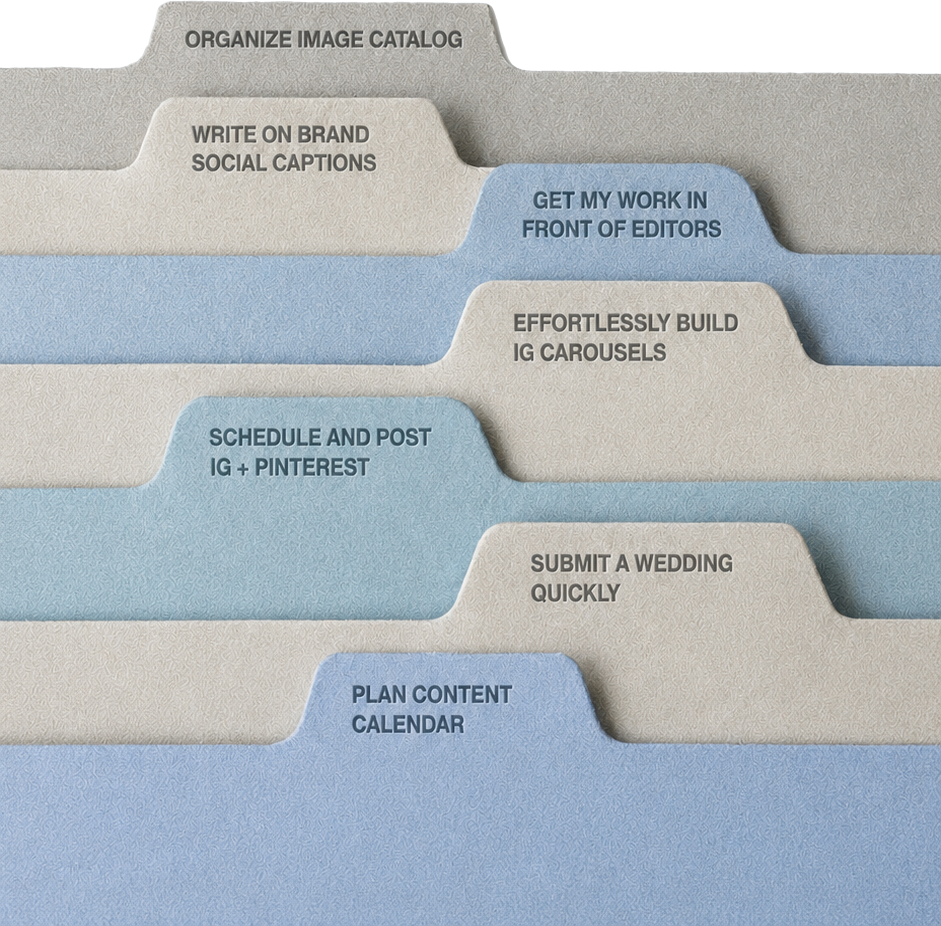
Catalog a wedding in minutes, searchable by event phase, venue, palette and detail.
Drop a wedding folder into les Archives. Every photograph gets tagged by event phase, subject, venue, palette, time of day and detail, about fifty tags per image. Vendor credits are attached to every photograph, and stay connected wherever the photograph is posted or submitted.
Write captions, alt text and Pinterest descriptions in your own voice.
It works from the brand voice you set up once and the details of the day. Those can come from the debrief, a short questionnaire your couple or client fills out, or from a PDF or notes you add yourself. From those it drafts multiple on-brand captions, alt text, SEO image names and Pinterest descriptions for every photograph. Choose the one that sounds most like you and make it yours.
Build an Instagram carousel in minutes, straight from your archive.
Your brand colors and fonts are set once. Pick the photographs and arrange the slides.
Pin an entire wedding to Pinterest in one pass.
Connect Pinterest once. Choose the photographs and the boards. les Archives writes a search-ready description for each pin and spaces them out on a schedule.
Plan and schedule a season of posts from your archive.
Plan by wedding, venue or campaign. Carousels, pins and Instagram posts sit on one calendar. Bring in your virtual assistant or social media manager, and they can run your Instagram and Pinterest straight from your archive, sending posts to you for approval before anything goes live. Social media managers with several clients can run all of them from one login.
Build an editorial submission and track where it goes.
Pick a wedding and a publication. les Archives pulls the photographs, sizes them to that publication's requirements, attaches every vendor credit and handle, and drafts the story notes from the debrief. It keeps a record of where each wedding was sent and what the editor said.
Choose the photographs editors can discover.
Select a single photograph, a handful, or an entire wedding and put it on the record. Editors at some of the industry's leading publications can then find it when they're searching for images for a story or post. Everything starts off the record, so nothing is visible until you choose it. Editors see watermarked previews and can't use a photograph without your approval.
Your photographs stay yours.
Each photograph goes to Claude, Anthropic's model, to be read and cataloged. Once the details are written, it's deleted from Anthropic's servers. We've opted out of letting any image processed through les Archives be used to train a model, Anthropic's or anyone else's. les Archives organizes your archive and writes about it. It doesn't generate images or learn your style.
What it costs to do this the complicated way.
Most wedding pros pay for five apps to share one wedding. Each one has its own login and its own copy of your photographs, and none of them talk to each other. And they weren't built for weddings. They can't tell a first look from a tablescape, and they have no idea who did the florals. les Archives replaces all five for less than half the price.


Choose a plan by how many people use the archive.

One person, one Mac. 250 images cataloged a month on the base plan.

Two seats. A photographer and an assistant, or a planner and her social manager.

One operator, unlimited client workspaces. Each client gets their own brand voice, calendar and Pinterest account, plus a preview link they can open without logging in.
Every wedding, cataloged in a searchable archive and ready to share.